

-
North American Clubhouses - East RegionCA.ON- SOTEC CA.ON- Upper Canada Land Cruisers CA.QC- Club TORQ CA.QC- Quebec Cruisers AL- DixieLand Cruisers AL- Hot South Cruisers FL- Florida Land Cruiser Association FL- Northwest Florida Toyota 4WD FL- Tampa Bay Land Cruiser Association GA- Pavement Pounders GA- Georgia Cruisers GA/FL/AL- Red Hills Land Cruiser Club GA- YOTA IL- Windy City Land Cruisers IN- Hoosier Cruisers IN- Indiana Land Cruisers KY- Kentucky Landcruiser MA/NH- Yankee Toys MI- Lake Michigan Land Cruisers MS- CottonLand Cruisers NC- Olde North State Cruisers NJ- Garden State Land Cruisers NY/CT/MA- FJNortheasters NY- Gotham City Land Cruisers OH- The Buckeye Birfield Syndicate PA- Keystone Cruisers PA- Steel City Land Cruiser Club SC: Land Cruisers: Charleston SC- Palmetto State Land Cruiser Association SC- Upstate Cruisers SC- Swamp Fox Land Cruisers SC- Low Country Land Cruisers TN- Appalachia Cruisers TN- Bluff City Cruisers TN- STLCA VA- Bay to Blue Ridge Cruisers VA- COVA CRUISERS VA/DC/MD- Capital Land Cruiser Club VA/NC- Mid-Atlantic TLCA VA- Star City Land Cruisers VT/NH/MA/ME Acadian Overlanders WI- Land Cruiser Legends WV- Mountaineer Cruisers
-
North American Clubhouses - Central RegionCA.AB- Oil Country Cruisers CA.AB- Rocky Mountain Land Cruiser Association CA.AB- Toyota Ghost Wheelers AR- Razorback Land Cruisers AR/MO- Ozark Mountain Cruisers CO- BookCliff Cruisers CO- Colorado Land Cruisers CO- Derailed Cruisers CO- Rising Sun 4WD Club CO/WY- Horsetooth 4 Wheelers Cruiser Club IA- Tall Corn Cruisers KS/MO- Tornado Alley Cruisers LA- Bayou State Land Cruisers LA- Louisiana Land Krewesers MO- Gateway Cruisers MT- 406 Cruisers MT- Big Sky Cruisers NE- Flat Land Cruisers NM- High Desert Cruisers OK- Green Country Cruisers SD- Dakota Territory Cruisers TX- Alamo City Land Cruisers TX- Bayou City Land Cruisers TX- Lone Star Land Cruisers TX- Lone Star Land Cruisers - Austin Chapter TX- The White Trash of the Elwood Chapter TX- Toyota Trail Riders
-
North American Clubhouses - West RegionCA.BC- Coastal Cruisers CA.BC- Okanagan-Similkameen Land Cruisers CA.BC- Peace Canyon Toyota Swamp Donkeys CA.BC- Calgary Chapter: Swamp Donkeys
CA.BC- Vancouver Island Cruisers AZ- Copper State Cruisers CA- Beach-n-Toys CA- Central Coast Land Cruisers CA- Central Valley Crawlers CA- Gold Country Cruisers CA- Inland Empire Cruisers CA- L.A. County Trailcrew CA- Mountain Transit Authority CA- Pacific Mountain Cruisers CA- San Diego Cruisers CA - Santa Cruz Land Cruisers CA- SoCal 80's CA- Southern California Land Cruisers CA- Toyotally Awesome Cruisers HI- Hawaiian Island Land Cruisers ID- Treasure Valley Land Cruisers NV- Battle Born Cruisers of Northern Nevada NV- Southern Nevada Land Cruisers OR/CA- Jefferson State Cruisers OR- Cascade Cruisers OR- Central Oregon Cruisers OR- Portland Metro Cruisers UT- Red Rock Cruiser Club UT- Wasatch Cruisers WA- Central Washington Cruisers WA- North Sound Cruisers WA- South Sound Cruisers WA- Spokane Land Cruisers
Navigation
Install the app
How to install the app on iOS
Follow along with the video below to see how to install our site as a web app on your home screen.
Note: This feature may not be available in some browsers.
More options
Style variation
You are using an out of date browser. It may not display this or other websites correctly.
You should upgrade or use an alternative browser.
You should upgrade or use an alternative browser.
Moab/Canyonlands trip for June
- Thread starter locrwln1
- Start date
This site may earn a commission from merchant affiliate
links, including eBay, Amazon, Skimlinks, and others.


Hey...there's still time to put in your vacation notice  .
.
I've been perusing the Utah topo's and just ordered a fairly complete book of Utah trails. The Skyline Trail (and a couple others in 'series') looks to be about 150 miles long! And there is supposedly another trail/series of trails that comprises a loop of 275 miles!
Fodder for next year!
.I've been perusing the Utah topo's and just ordered a fairly complete book of Utah trails. The Skyline Trail (and a couple others in 'series') looks to be about 150 miles long! And there is supposedly another trail/series of trails that comprises a loop of 275 miles!
Fodder for next year!

I've been perusing the Utah topo's and just ordered a fairly complete book of Utah trails.
Book? Book? Come now, it's the new ages..put those paper things away and go digital

- Thread starter
- #64
Book? Book? Come now, it's the new ages..put those paper things away and go digital
This from the guy that years ago, rode with another person (who shall remain nameless) on the Rubicon that got lost with TWO GPS's.

Jack
This from the guy that years ago, rode with another person (who shall remain nameless) on the Rubicon that got lost with TWO GPS's.
Jack
DAMN IT, you remembered that ?
Dang good memory, son.:whoops:
Book? Book? Come now, it's the new ages..put those paper things away and go digital
That's how I lull myself to sleep everynight...looking/dreaming about future excursion routes/places. Somehow doing this by the light of my Macbook just doesn't sound as appealing. And for quick glance scouting purposes I still prefer the Benchmark topo map book to any of the 5 GPS electronic map programs
. Now once I have an area identified I then switch to one of my electronic topo programs for detail and route planning.- Thread starter
- #67
DAMN IT, you remembered that ?
Got to rub it in every once in a while...

That's how I lull myself to sleep everynight...looking/dreaming about future excursion routes/places. Somehow doing this by the light of my Macbook just doesn't sound as appealing. And for quick glance scouting purposes I still prefer the Benchmark topo map book to any of the 5 GPS electronic map programs
I agree, there is nothing like paper in front of you to get the bigger picture, then moving to digital for pinpoint stuff. Darcie and I could never get rid of paper maps, they still rule.
I have on order a windshield mount for the Garmin 60CX that I have now. I just need to get a bigger Micro SD card, so that I can get the western US topo maps loaded up. I have the entire state of Nevada loaded, but I forgot to load Utah, so it was worthless on our way to and while we where in Moab.

Let's see: Ham radio...Check
GPS...Check
Waeco Refrigerator...Check
Yep, turning into one big'ole geek/pansy.

Jack
Got to rub it in every once in a while...
I agree, there is nothing like paper in front of you to get the bigger picture, then moving to digital for pinpoint stuff. Darcie and I could never get rid of paper maps, they still rule.
I have on order a windshield mount for the Garmin 60CX that I have now. I just need to get a bigger Micro SD card, so that I can get the western US topo maps loaded up. I have the entire state of Nevada loaded, but I forgot to load Utah, so it was worthless on our way to and while we where in Moab.
Let's see: Ham radio...Check
GPS...Check
Waeco Refrigerator...Check
Yep, turning into one big'ole geek/pansy.
Jack
So you did get the Waeco? Did you use in on your Moab run?
- Thread starter
- #69
So you did get the Waeco? Did you use in on your Moab run?
I did, it got to my house while I was in Moab, so I didn't get to use it, didn't really need it with the camper, so probably wouldn't have taken it anyway.
I still have to wire my 12v socket into the rear cargo area. Was going to do it yesterday, but ran out of steam and decided to relax instead.
By the way, what power setting do you have yours set on? I tested it at several settings and with 3 led's lit, it has the interior temperature down to about 32 degrees, that was empty and setting in a shaded garage.
Also mine is the 12/24 volt version only. So no house time for mine.
 I tried it with a little dc to 12v adapter and it would not fire off the compressor. Too little voltage I guess. As soon I as plugged it into the cruiser, it started working and cooling off rapidly.
 Jack
I did, it got to my house while I was in Moab, so I didn't get to use it, didn't really need it with the camper, so probably wouldn't have taken it anyway.
I still have to wire my 12v socket into the rear cargo area. Was going to do it yesterday, but ran out of steam and decided to relax instead.
By the way, what power setting do you have yours set on? I tested it at several settings and with 3 led's lit, it has the interior temperature down to about 32 degrees, that was empty and setting in a shaded garage.
Also mine is the 12/24 volt version only. So no house time for mine.
Jack
You should have an adjustable Voltage threshold switch that allows for, I think 3, different low voltage power-off conditions.
For fridge temp/usage: In colder climes and/or overnight (<65 or so degrees F) I set mine at 2-LED's.
Warmer (> 75 degrees F) days/nights I set it to 3-LED's. This will also keep items fairly well frozen when placed in the upper left area on the fridge floor (when looking from atop with the hinge/opening in front of you). Lettuce and anything else you want to keep cool but not risk freezing is placed on top of everything else.
The little cubby stays the warmest of any zone in my Waeco. So I use it accordingly.
4-LEDs: For very HOT days and/or frozen contents.
Also, you probably already know this, you get heat output from the compressor...makes for a hotter cabin on hot days :-/
hoser (Les) ran a thermometer to his Waeco...with the LED readout up front so he can tell the fridge temp #1 and avoid calamity if for some reason power gets interupted #2. Radio Shack makes a wireless version of this I've been thinking about trying...
Yep, turning into one big'ole geek/pansy.
Jack
<sniff> you make me so proud <sniff>

Real men only drive part time 4x4s.....
with lock out hubs 
.......Also mine is the 12/24 volt version only. So no house time for mine.
Jack
Current, not voltage.
The starting current for the compressor is the deal killer for refrigeration applications. If you know the required current you can find a AC/DC adaptor that will work.
Edit:
From their web site the CF 35 to CF 50 units all use 45W
Our friend Ohm tells us:
P=IV → I=P/V
so you need 35/12=2.9A
I would double that to be safe. So you need a 6A 12Vdc supply.
Damn I think I just out geeked you all.

Last edited:

I have on order a windshield mount for the Garmin 60CX that I have now. I just need to get a bigger Micro SD card, so that I can get the western US topo maps loaded up. I have the entire state of Nevada loaded, but I forgot to load Utah, so it was worthless on our way to and while we where in Moab.
If you also plan to use the Garmin for street navigation, I'd recommend you use a separate card unless they've improved the firmware. I got a deal on a 2GB card at some point, which let me put both topos and streets on it, only to discover there isn't a good way to switch between the two. If I remember correctly, you might see the topo object or you might see the street object, and the only way to control which one you see is to turn off the other one - which is done in an alphebatized list. No problem if you keep a small region on the card, I had pretty much the western US.
On a side note, I recently had a flight attendant tell me we're not allowed to use those on planes. Didn't feel like arguing.
- Thread starter
- #74
<sniff> you make me so proud <sniff>
Real men only drive part time 4x4s.....
I just trying to keep up with the Ali's.
Current, not voltage.
The starting current for the compressor is the deal killer for refrigeration applications. If you know the required current you can find a AC/DC adaptor that will work.
Edit:
From their web site the CF 35 to CF 50 units all use 45W
Our friend Ohm tells us:
P=IV → I=P/V
so you need 35/12=2.9A
I would double that to be safe. So you need a 6A 12Vdc supply.
Damn I think I just out geeked you all.
Yes sir you did.
But that is good to know, now I can plan accordingly when I want to use it in the house, just have to locate a decent power supply. Not really a priority, but we know how we are with gadgets.
If you also plan to use the Garmin for street navigation, I'd recommend you use a separate card unless they've improved the firmware. I got a deal on a 2GB card at some point, which let me put both topos and streets on it, only to discover there isn't a good way to switch between the two. If I remember correctly, you might see the topo object or you might see the street object, and the only way to control which one you see is to turn off the other one - which is done in an alphebatized list. No problem if you keep a small region on the card, I had pretty much the western US.
On a side note, I recently had a flight attendant tell me we're not allowed to use those on planes. Didn't feel like arguing.
Thanks for the info. This one is more for TOPO use, so I shouldn't have a problem, besides it's not mine, just on semi-permanent loan, so I don't want to get too crazy with spending money on it.

That sucks about the airplane thing, that is one thing I always wanted to do, watch my progress and know exactly were I was while flying. Must be some kind of Homeland Security rule. Wouldn't want you suicidal bastards to call in the plane location just so you can meet [insert god of your choice here].
Jack
That sucks about the airplane thing, that is one thing I always wanted to do, watch my progress and know exactly were I was while flying. Must be some kind of Homeland Security rule. Wouldn't want you suicidal bastards to call in the plane location just so you can meet [insert god of your choice here].
Jack
Yeah, I heard the attendants announce the same thing over the intercom but logically it doesn't fly with me either. It's a receiving unit only but ain't worth getting arrested over. However, I still use it to track how the plane picks it path from A to B (bluetooth puck, really small and easy to hide
). Really cool...until I get busted - Thread starter
- #76
Yeah, I heard the attendants announce the same thing over the intercom but logically it doesn't fly with me either. It's a receiving unit only but ain't worth getting arrested over. However, I still use it to track how the plane picks it path from A to B (bluetooth puck, really small and easy to hide
Risky, risky my brown brother.
I'll forward your mail to Guantanamo, Cuba.
Your way is probably the best way to go though, least conspicuous.
Jack
Had mine just sitting on the tray for most of the flight. When she asked if it was a GPS and I said yeah, she looked really super pissed. But, at least I figured out that what I thought was Death Valley really was Death Valley.

Wow, no one lost their GPS on a flight. I had to give up my toothpaste, and almost everything else in my shaving kit (first time I went all carry-on in a long time) when I went to Hawaii a few months ago. Seems to me, hi-tech isn't as important to TSA as low-tech.
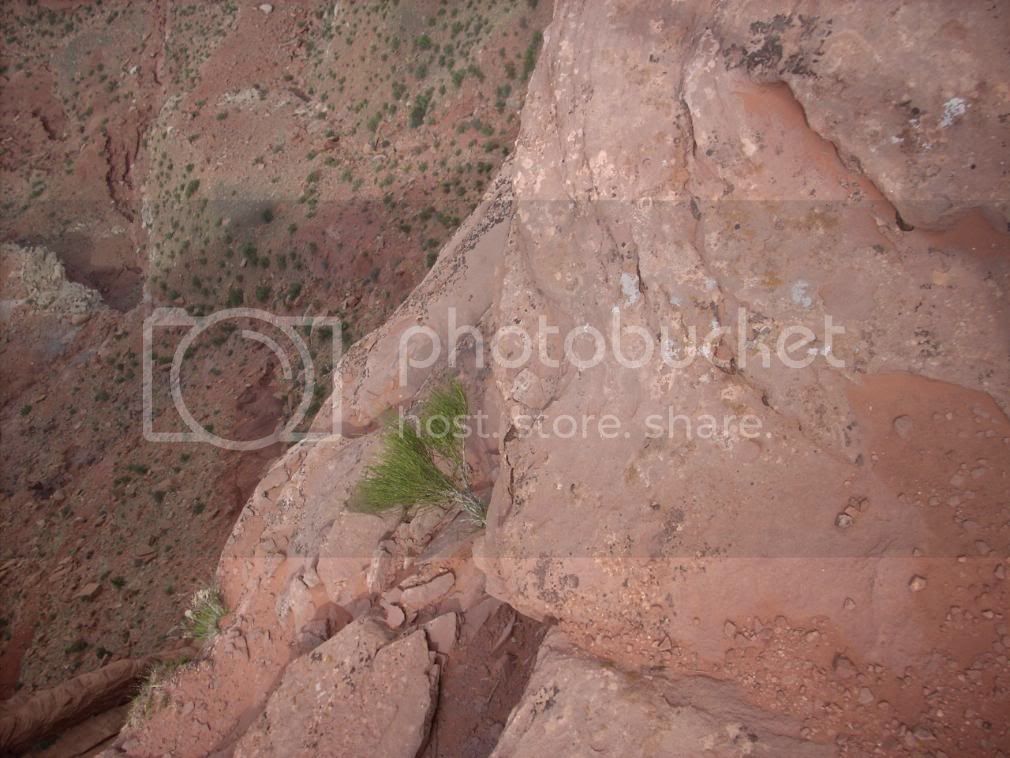
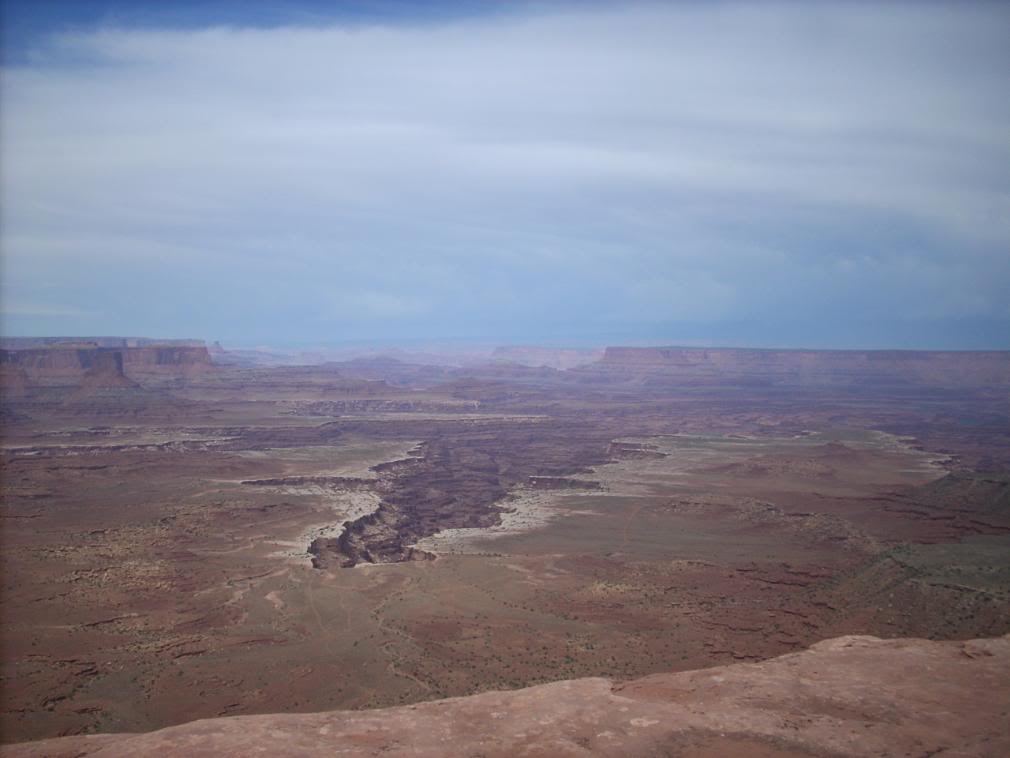
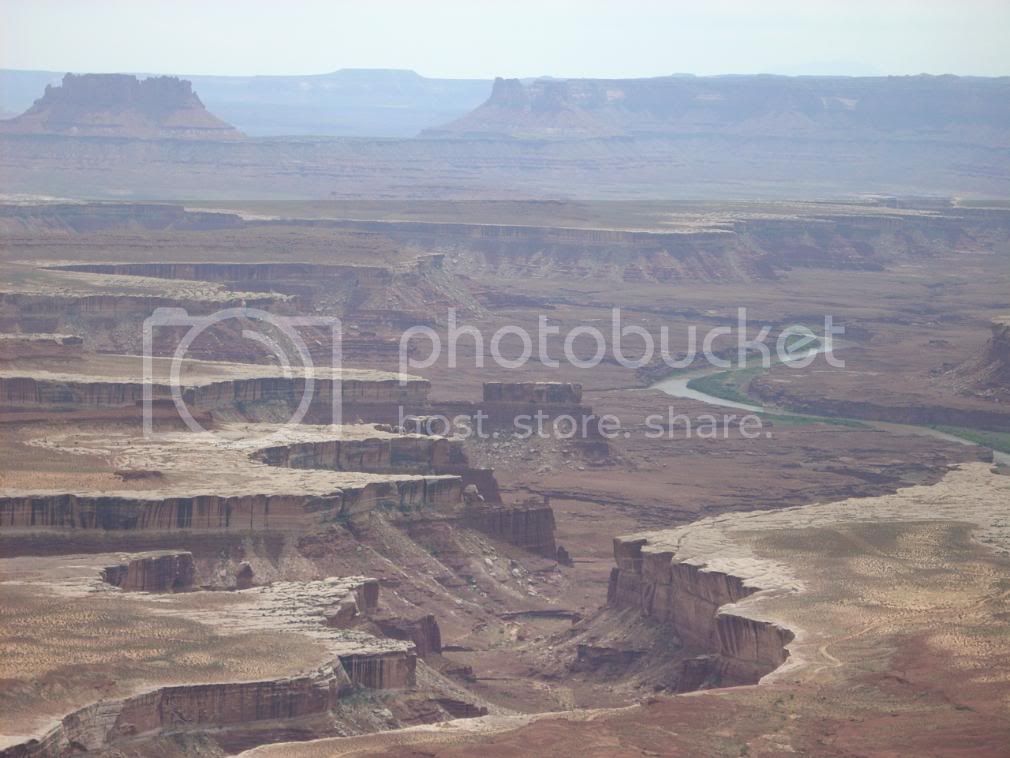
I didn't realize I took this many pictures, sorry not many of wheeling
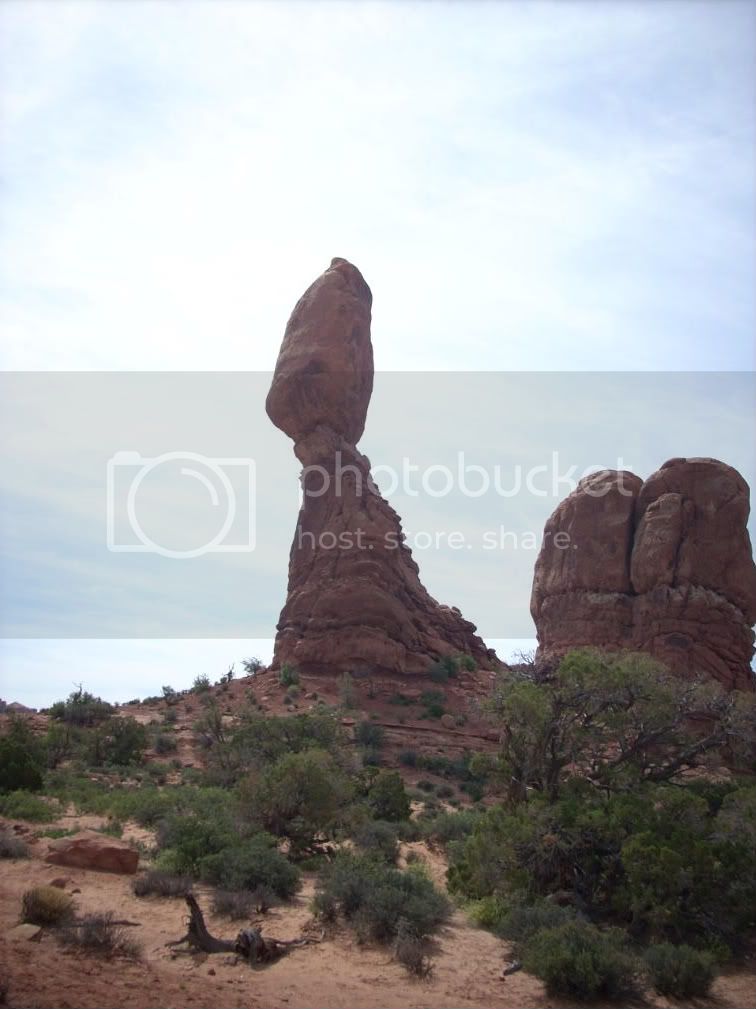
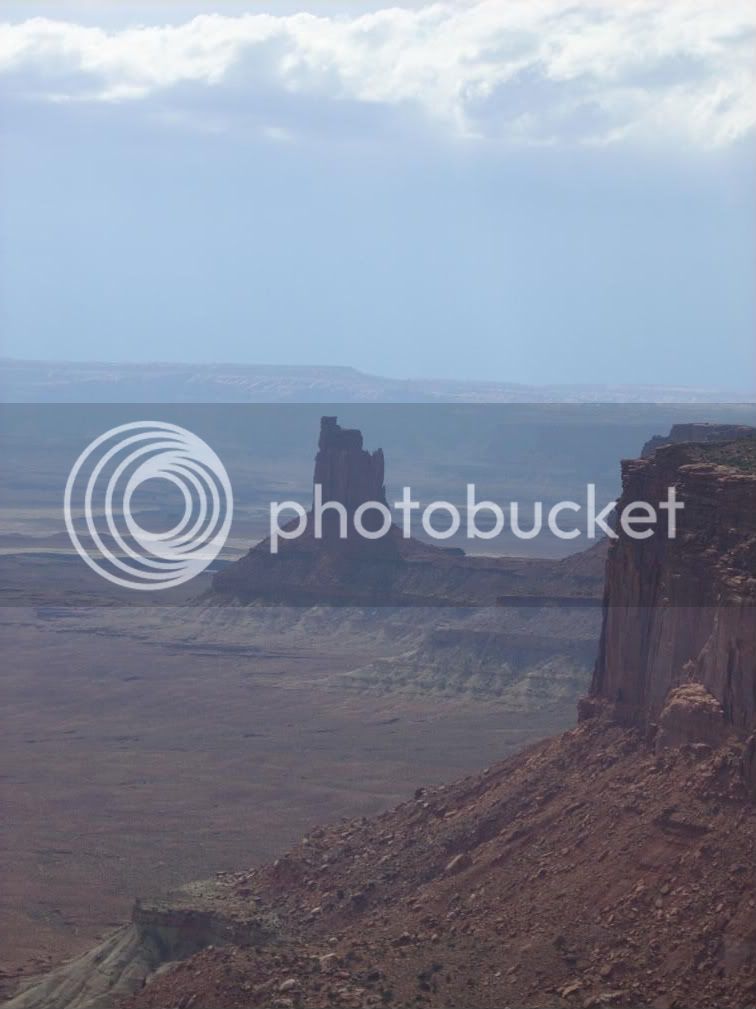
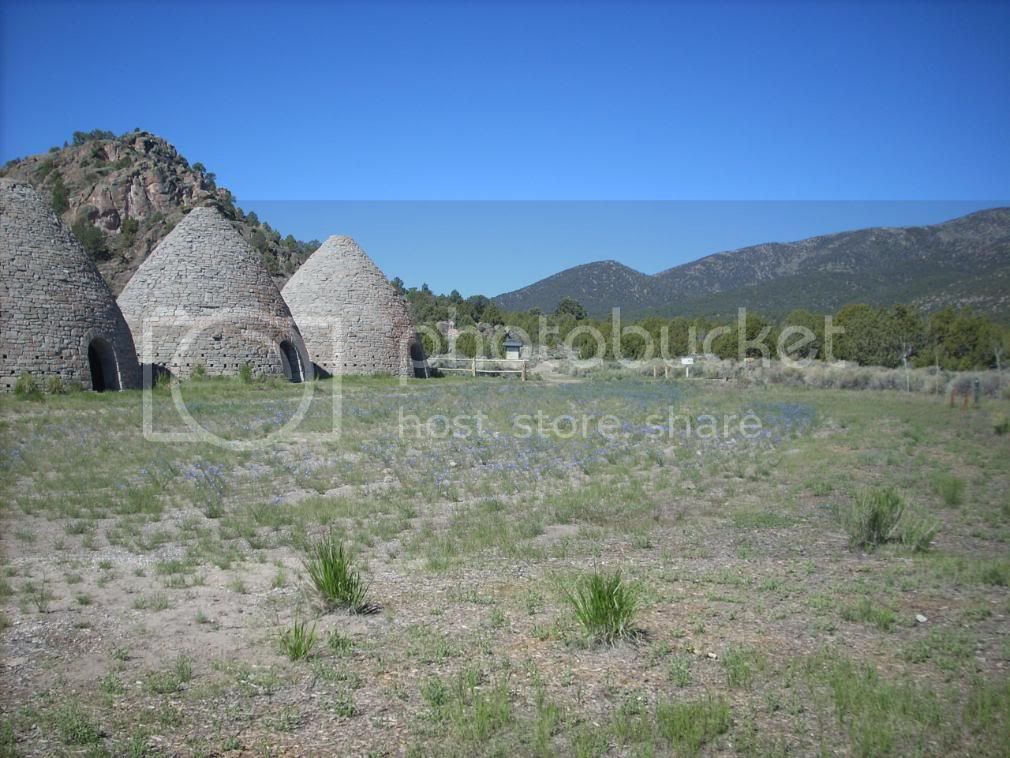
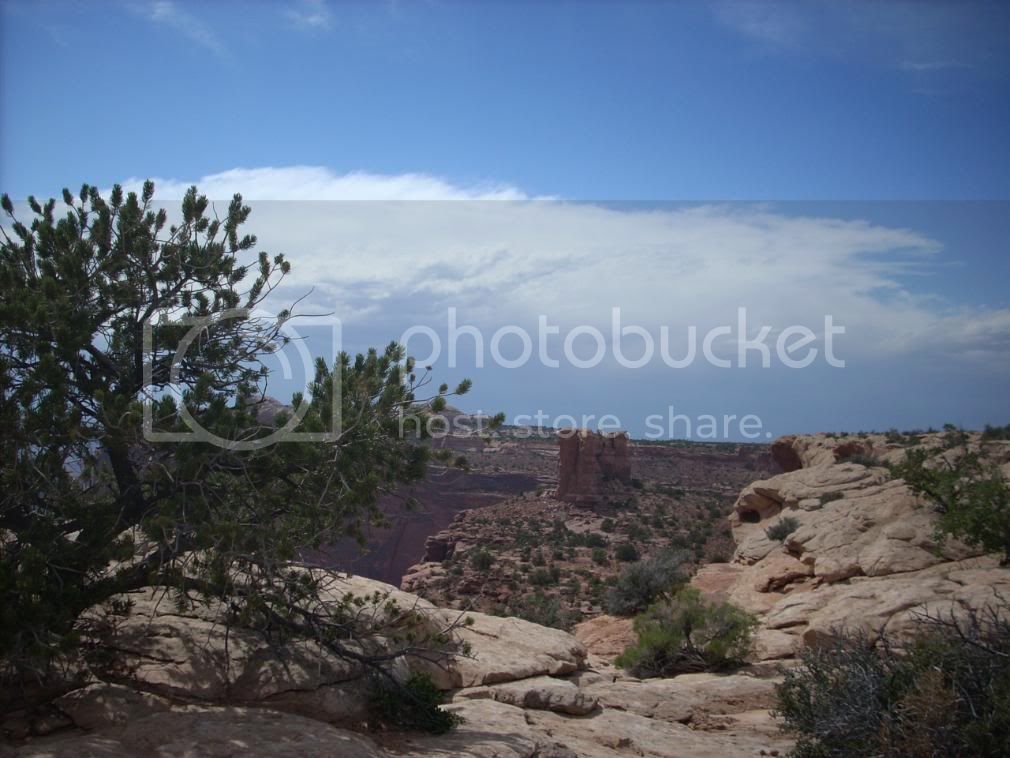
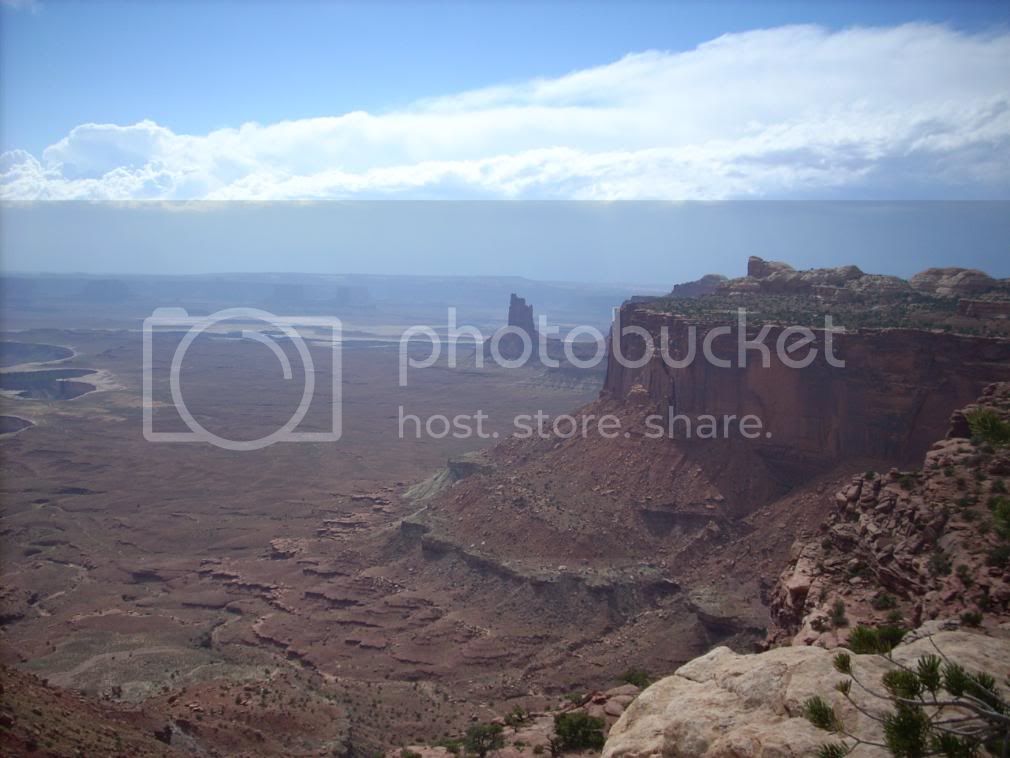
I just stuck the camera over the edge and clicked.
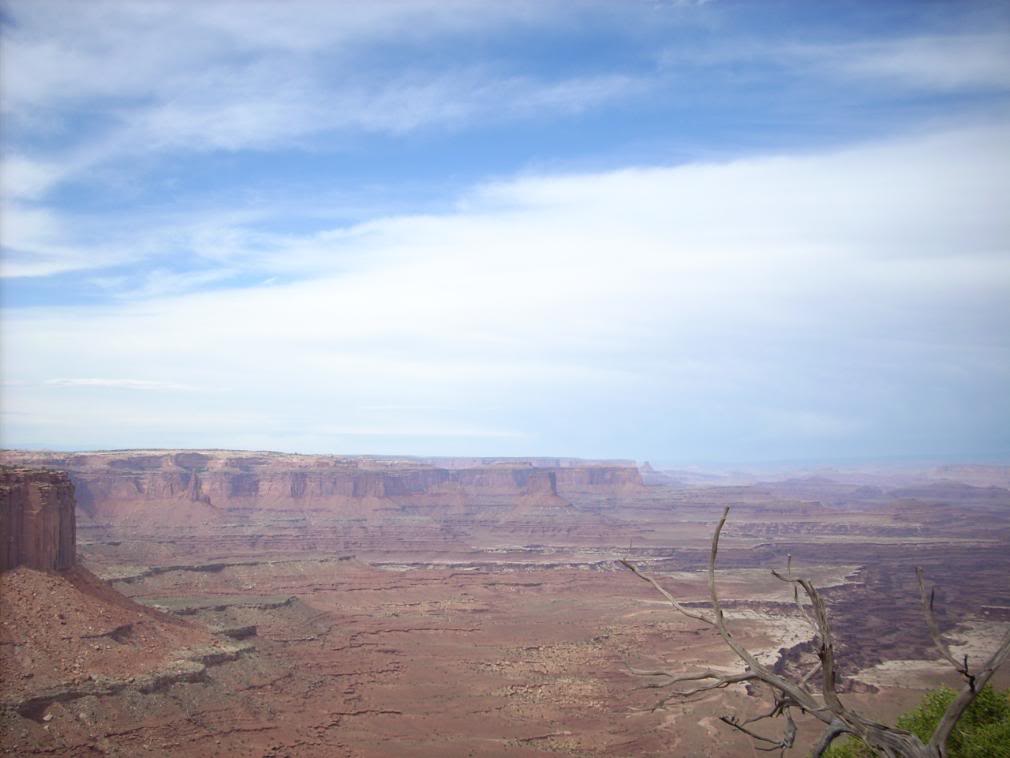

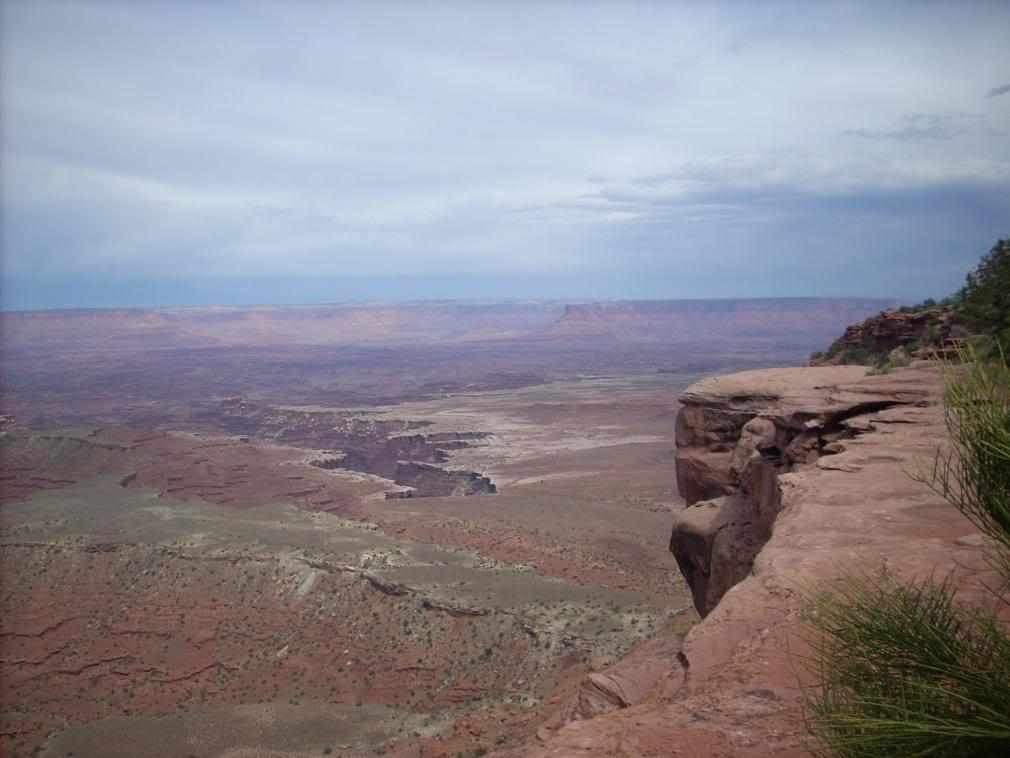
You can see the White Rim Trail in the next two
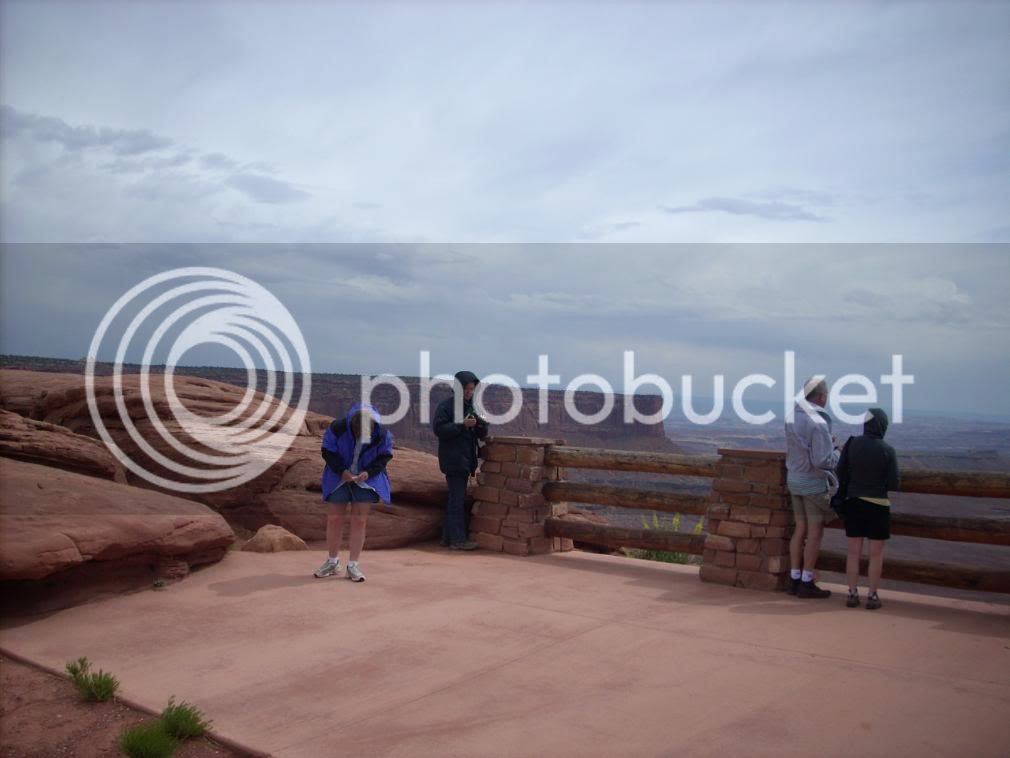
It was cold, wind chill is a killer
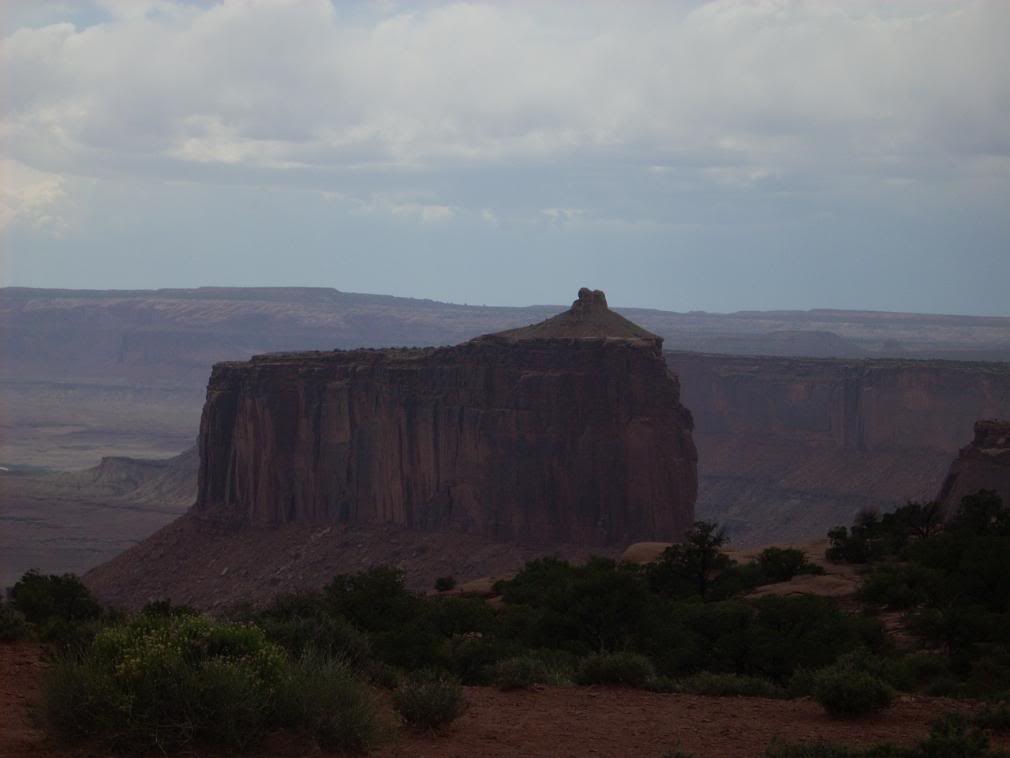
I just stuck the camera over the edge and clicked.
You can see the White Rim Trail in the next two
It was cold, wind chill is a killer