How I changed the Drive belts and AC belt - 56k warning
Well I got the drive belts changed this weekend and decided it was time to give back to the forum that has helped me a great deal and saved me a ton of $$$. I'm a 1/2 banana guy (mechanically speaking of course... hehe), so for you all you people that are a little intimidated with working on your Cruiser, if I can do it, so can you! Total parts cost me $30 from local Toyota dealership. Of course I always recommend ordering from CruiserDan, but I neglected the belts and it was a change now or be stranded situation, as you can see in the picture near the end of this post. Just as a disclaimer, I'm posting this as a first time belt changer, so if any of this is incorrect, please do let me know and I'll edit this.
Changing Drive belts and AC belt
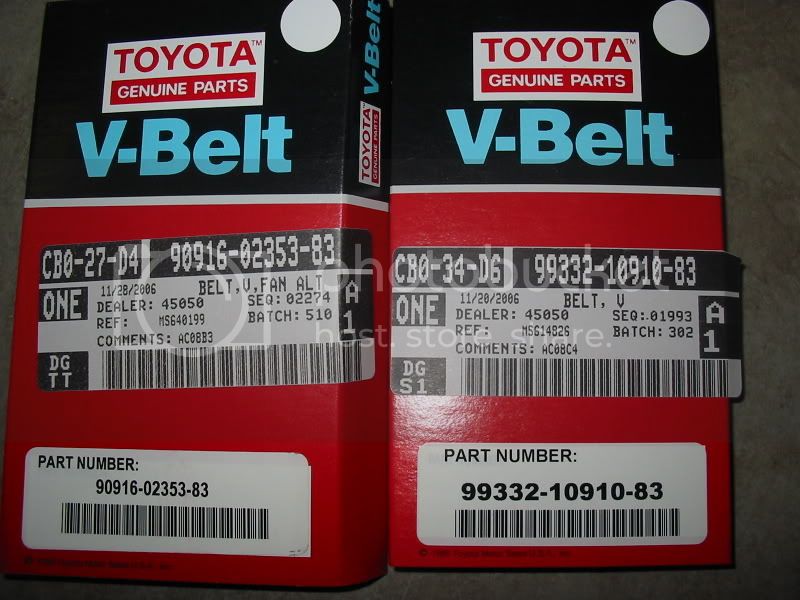
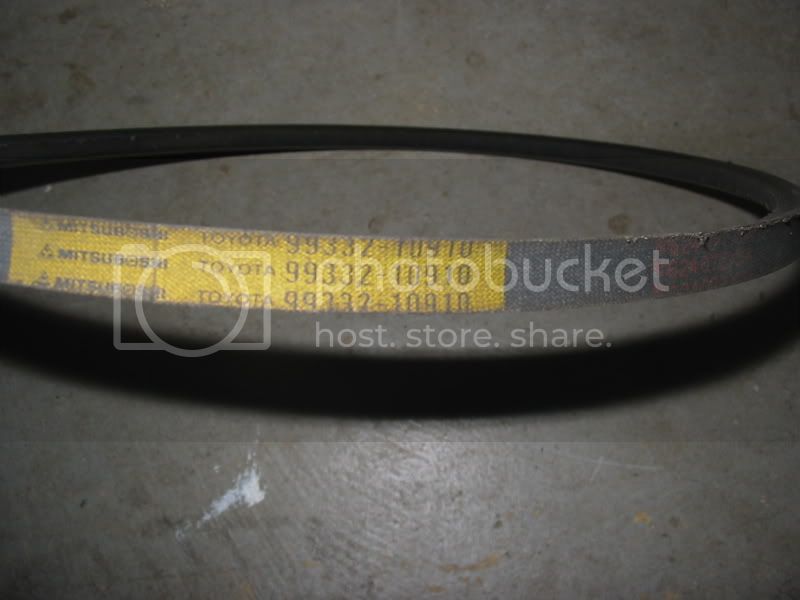
Toyota parts numbers
90916-02353
99332-10910
Tools
Ratchet
Universal joint socket adapter
10mm, 12mm, 14mm sockets
Socket extension
Eye protection
Step 1: Pop open the hood

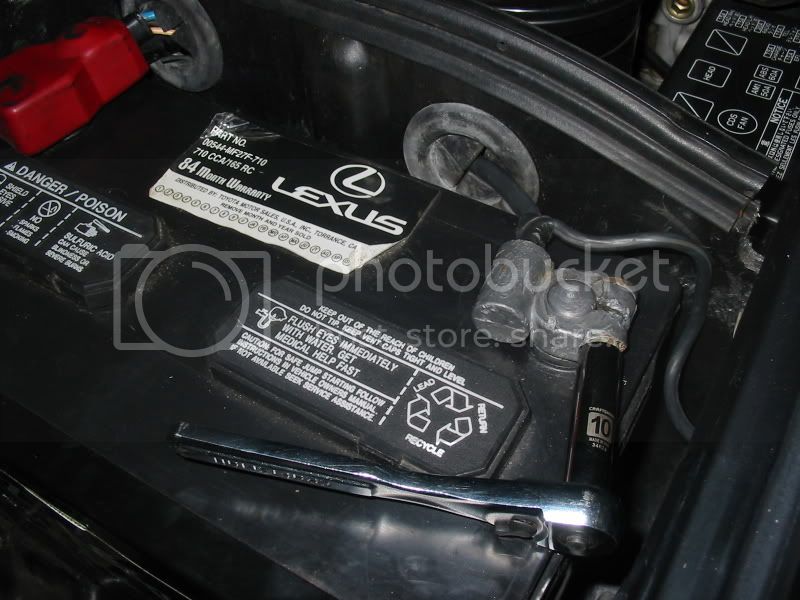
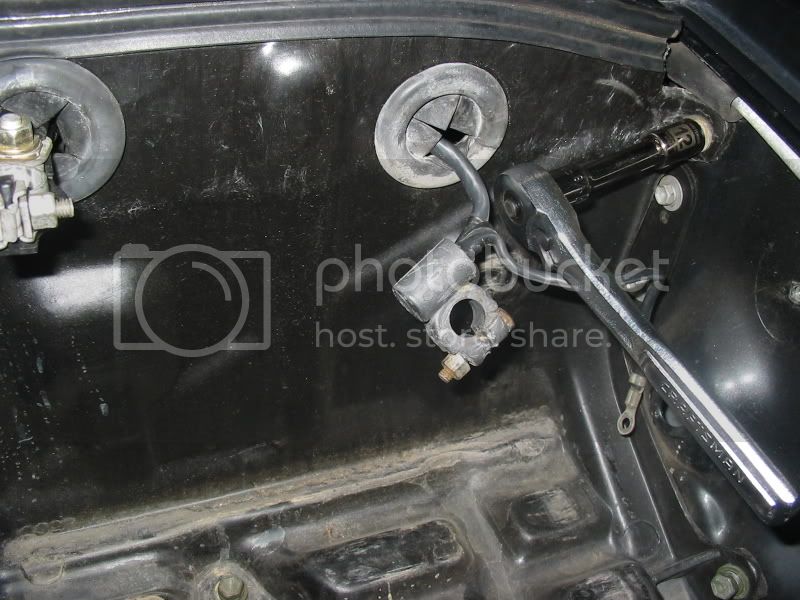
Loosen battery terminals and disconnect
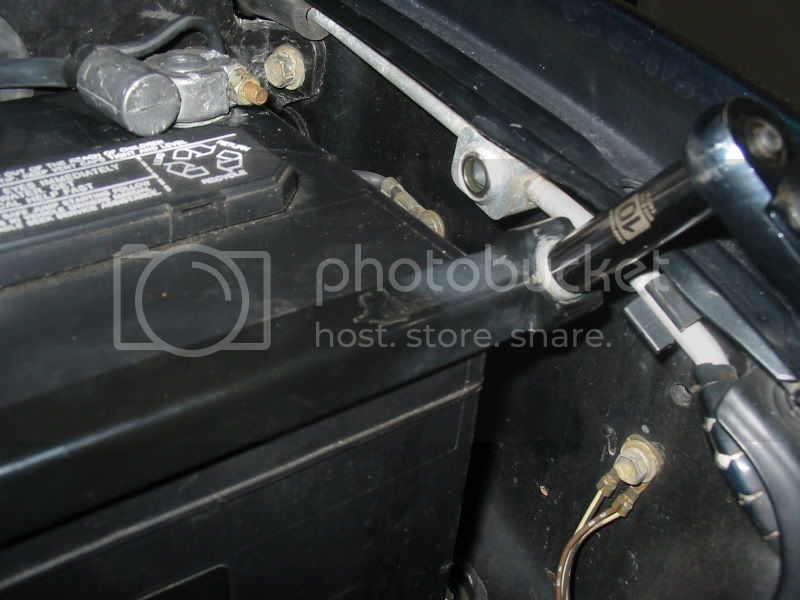
Loosen battery hold-down clamp and remove (2 bolts)
Unscrew battery tray and remove (5 bolts)
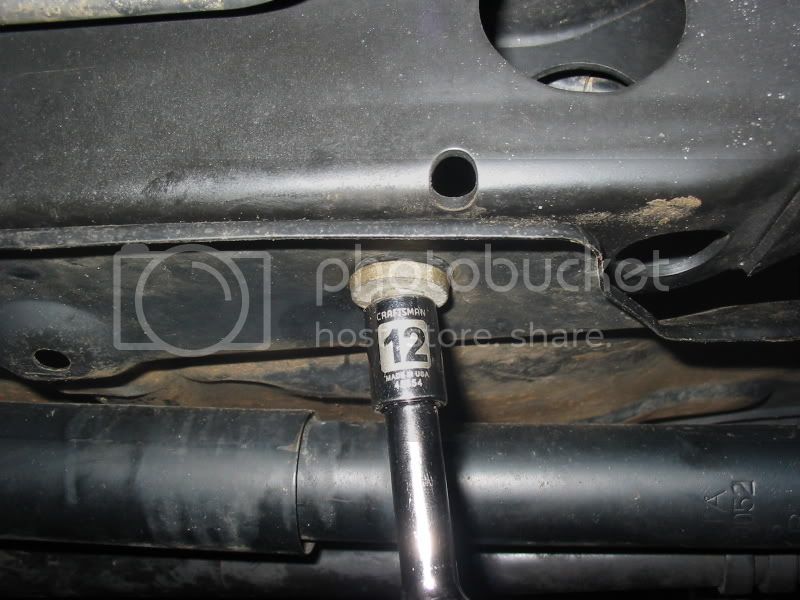
Crawl underneath the Cruiser and remove the splash shield (4 bolts)
Removing the AC belt
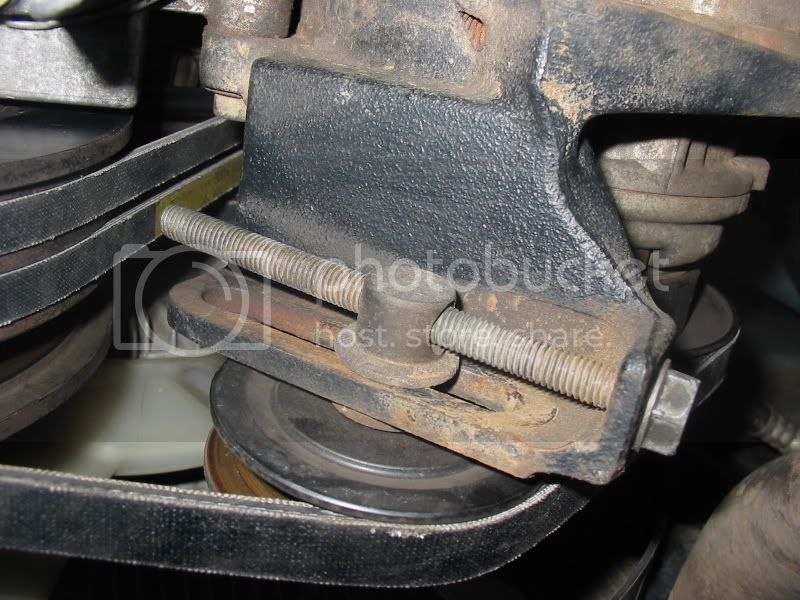
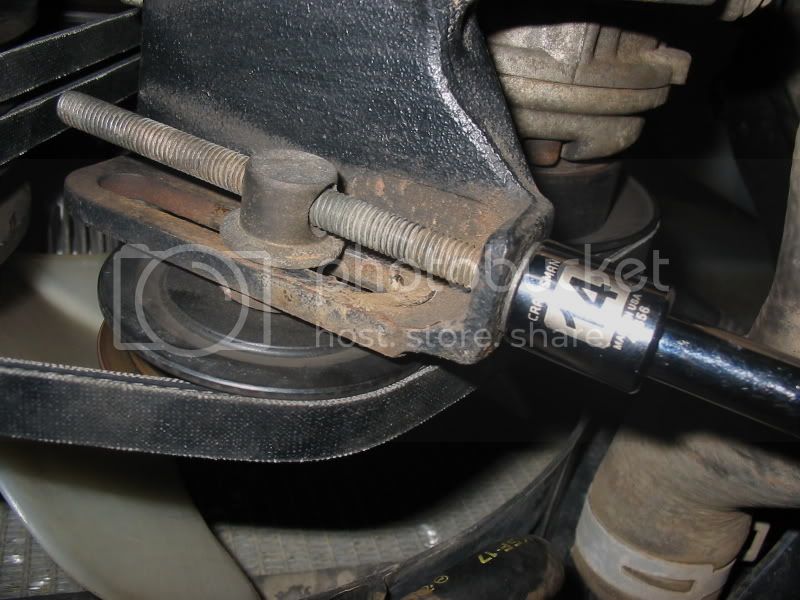
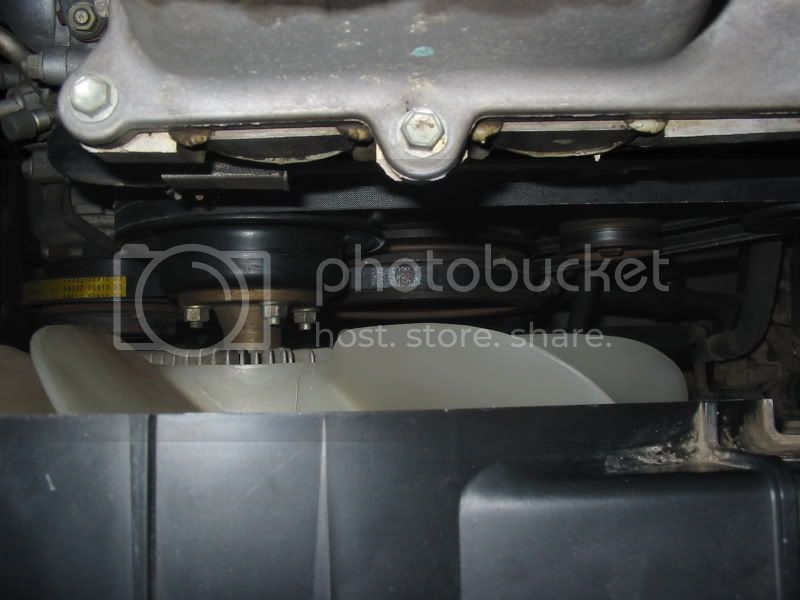
Crawl underneath the Cruiser. Loosen pulley adjusting bolt (14mm). This will move the pulley up and loosen the tension on the AC belt to allow for removal. Keep in mind that both the AC belt and the Drive belts are removed and installed “through” the radiator fan. You remove the belt by routing it around the fan blades and turning the fan with your hand (hope this makes sense).
Removing the Drive belts
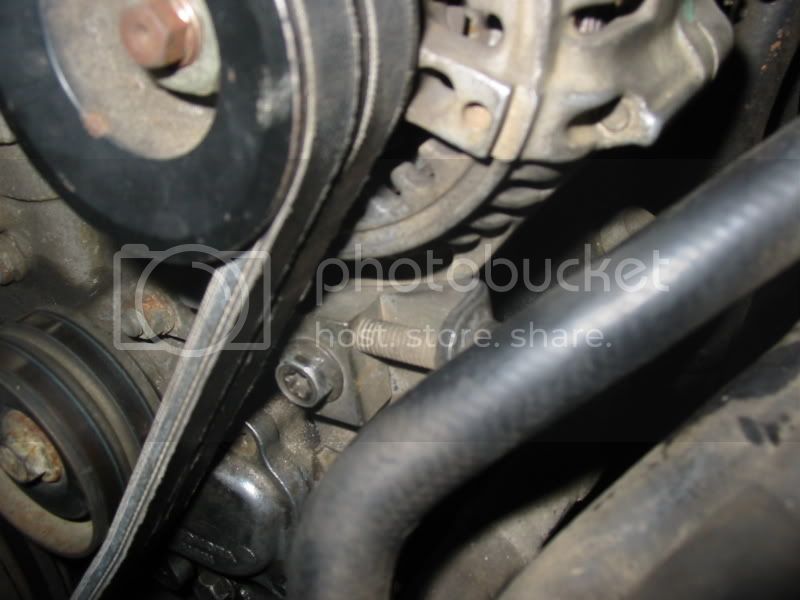
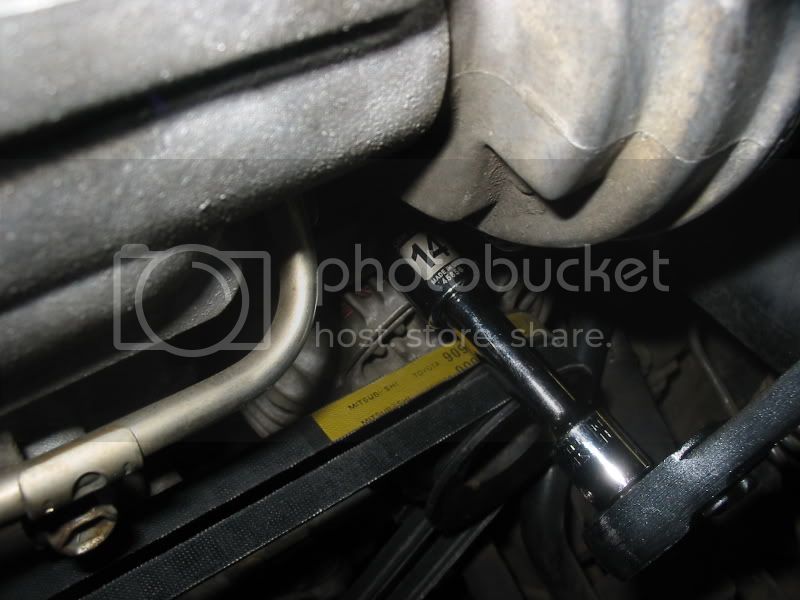
Now move to the engine and locate the generator (alternator). Loosen the pivot bolt (14mm) on top of the alternator.
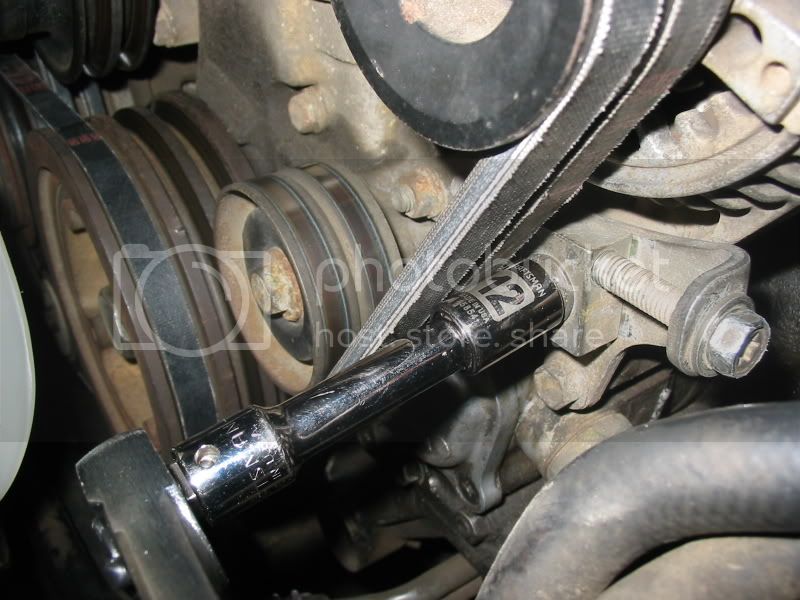
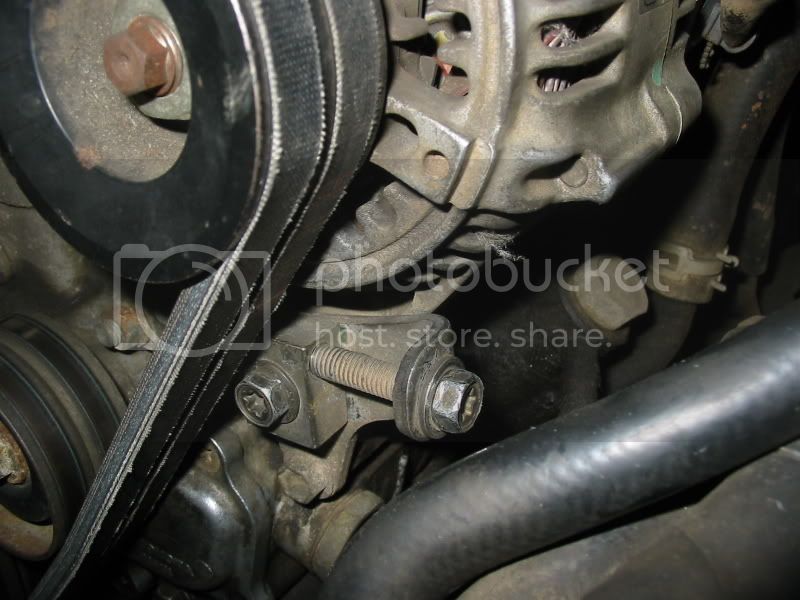
Loosen the lock bolt (12mm) on the bottom of the alternator.
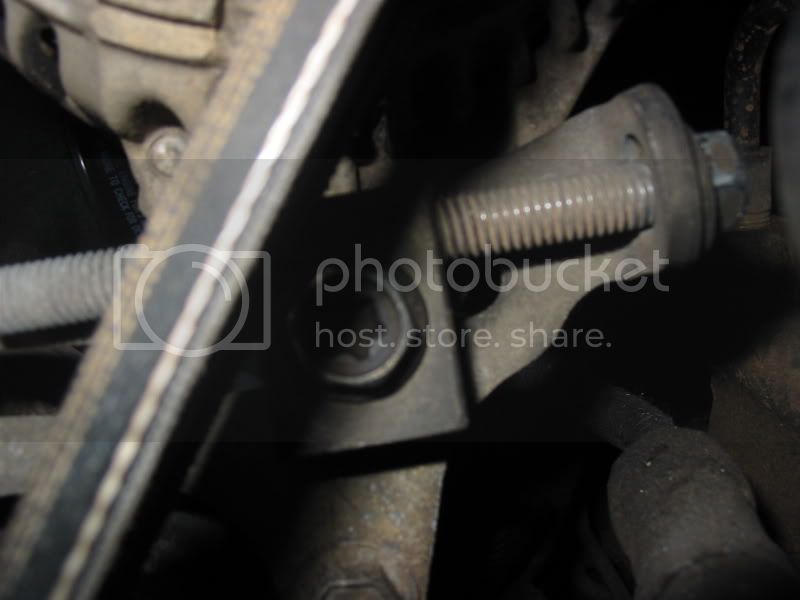
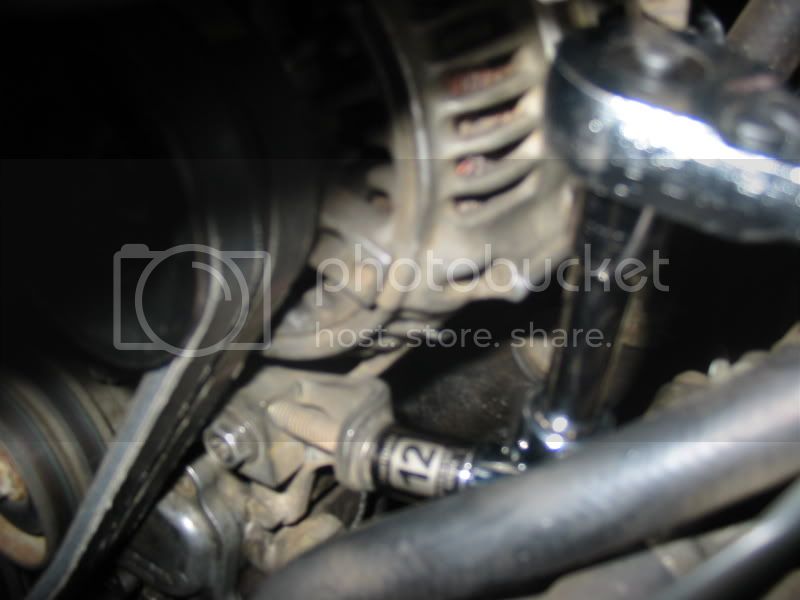
Loosen the adjusting bolt (12mm) using your universal joint socket adapter and extension. I had to loosen this bolt until the threads barely were showing. The alternator should now be loose. You will need to push the alternator to the left towards the engine block to have enough slack to remove the belts.
The Drive belts are removed and installed “through” the radiator fan. You remove the belts (one at a time) by routing it around the fan blades and turning the fan with your hand.
Installing the Drive belts
You follow the same wisdom with routing the belts through the radiator fan blades. Install the belt closest to the engine block first, making sure it is wrapped around the correct pulley channels on both the top and bottom. You can feel the channels but I went underneath the Cruiser to make sure it was routed properly.
*Tighten the adjusting bolt (21 Nm, 210 kgf cm, 15 ft lbf)
*Tighten the pivot bolt (59 Nm, 600 kgf cm, 43 ft lbf)
*Tighten the lock bolt (59 Nm, 600 kgf cm, 43 ft lbf)
*How tight should the belt be? I did not use a torque wrench so I adjusted tension based on feel. “1/2 of deflection in the middle section of the belt” seems to be a good starting point.
Installing the AC belt
You follow the same wisdom with routing the belt through the radiator fan blades. Make sure the belt is wrapped around the correct pulley and channel. Then crawl underneath the Cruiser and
*tighten the pulley adjusting bolt (39 Nm, 400 kgf cm, 29 ft lbf).
*How tight should the belt be? I did not use a torque wrench so I adjusted tension based on finger feel. “1/2 of deflection in the middle section of the belt” seems to be a good starting point.
Verification
Install the battery tray and connect the battery to the terminals. Start the Cruiser and make sure the belts are turning quietly and smoothly. I let the Cruiser idle for a minute and then revved the engine a few times. I then took it for a spin around the block before heading back to the garage. I checked the belt tension again using the “1/2 deflection” rule with my fingers. If you’re comfortable with the outcome go ahead and secure the battery if you haven’t done so, and screw the splash shield back on. That’s it and we’re done!!!
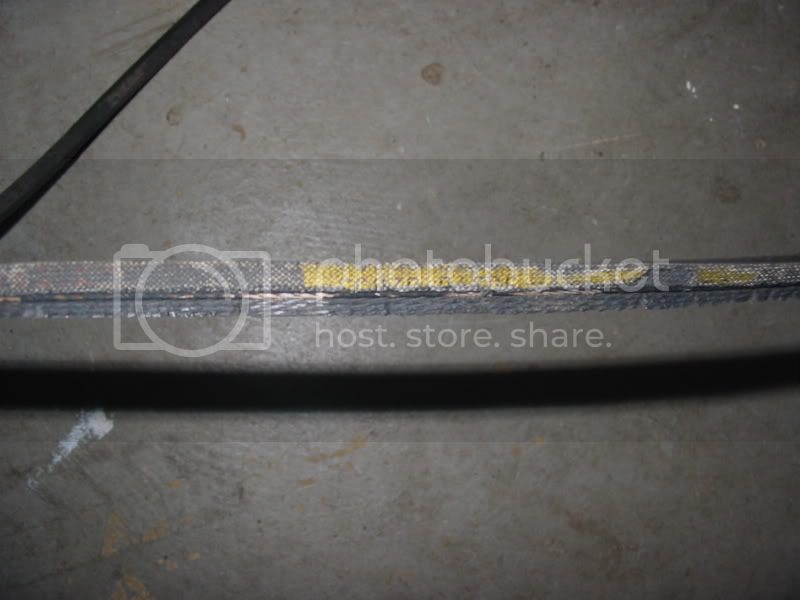
Hopefully your drive belts didn’t look this bad

This was my AC belt
Some additional reference photos
View from top
Alternator lock bolt and adjusting bolt
Alternator pivot bolt