

Navigation
Install the app
How to install the app on iOS
Follow along with the video below to see how to install our site as a web app on your home screen.
Note: This feature may not be available in some browsers.
More options
Style variation
You are using an out of date browser. It may not display this or other websites correctly.
You should upgrade or use an alternative browser.
You should upgrade or use an alternative browser.
Photos attached in threads partially loading...
- Thread starter Poser
- Start date
This site may earn a commission from merchant affiliate
links, including eBay, Amazon, Skimlinks, and others.


Thought it was just me 
Woody, I'm using IE 8.0, Win XP Pro. Things seemed to be fine until a couple weeks ago. I just started using a new monitor and thought maybe somehow that was causing it (not sure how it would but it seemed to be the only thing different).
Anyway, photos in this thread load fine:
https://forum.ih8mud.com/80-series-tech/360475-anyone-know-good-80-shop-ne-dallas-wrecked-my-lx.html
But some of the photos in this thread don't (only get like the top 1/8th of the 2nd, 3rd, and 4th pictures. The first and last photo load fine though):
https://forum.ih8mud.com/80-series-tech/360141-still-newbie-re-greasing-birfs.html
Here is another example:
https://forum.ih8mud.com/80-series-...axle-service-progress-got-some-questions.html
I actually mention in post #65 about only being able to see the top part of the pics back on 1/29. IIRC before that everything was working fine. Photos I loaded in that thread show up fine. There doesn't seem to be a pattern either to what shows and what doesn't (i.e. some photos uploaded to MUD appear and some don't, and the same seems to hold true to photos hosted elsewhere).
FWIW, photos seem to load fine at work...At work I use IE 7.0 (IIRC) and Win XP Pro. Hopefully it is something simple...I'd like to see the pictures again
Woody, I'm using IE 8.0, Win XP Pro. Things seemed to be fine until a couple weeks ago. I just started using a new monitor and thought maybe somehow that was causing it (not sure how it would but it seemed to be the only thing different).
Anyway, photos in this thread load fine:
https://forum.ih8mud.com/80-series-tech/360475-anyone-know-good-80-shop-ne-dallas-wrecked-my-lx.html
But some of the photos in this thread don't (only get like the top 1/8th of the 2nd, 3rd, and 4th pictures. The first and last photo load fine though):
https://forum.ih8mud.com/80-series-tech/360141-still-newbie-re-greasing-birfs.html
Here is another example:
https://forum.ih8mud.com/80-series-...axle-service-progress-got-some-questions.html
I actually mention in post #65 about only being able to see the top part of the pics back on 1/29. IIRC before that everything was working fine. Photos I loaded in that thread show up fine. There doesn't seem to be a pattern either to what shows and what doesn't (i.e. some photos uploaded to MUD appear and some don't, and the same seems to hold true to photos hosted elsewhere).
FWIW, photos seem to load fine at work...At work I use IE 7.0 (IIRC) and Win XP Pro. Hopefully it is something simple...I'd like to see the pictures again
Same issue here: photos only partially loading. Win XP Pro and IE 8. Thought it was my old beater computer but the same thing happens on another computer in the house running the same software. Hitting "refresh" doesn't help either.
Thanks!
Nick
Thanks!
Nick


Does it for me in IE 8 but good in Firefox.
Thanks for the update Woody!
Leave it to Microsoft to add in the "oddities"
Leave it to Microsoft to add in the "oddities"

- Thread starter
- #13


Poser,
I just clicked your links and some of the images are partially loading for me this evening. I've seen this problem on and off for weeks. Sometimes it's worse than others.
Windows XP SP3
IE 8 8.0.6001.18702
Time Warner Cable Broadband.
Linksys WRT54G wireless router
Microsoft Security Essientials
Tried it in Firefox (v3.6) and they load.
Tried it in Chrome (v4.0.249.89 (38071)) and they load.
Back to IE, and they're still broken (refresh/F5).
I just clicked your links and some of the images are partially loading for me this evening. I've seen this problem on and off for weeks. Sometimes it's worse than others.
Windows XP SP3
IE 8 8.0.6001.18702
Time Warner Cable Broadband.
Linksys WRT54G wireless router
Microsoft Security Essientials
Tried it in Firefox (v3.6) and they load.
Tried it in Chrome (v4.0.249.89 (38071)) and they load.
Back to IE, and they're still broken (refresh/F5).
Woody,
Not sure if this will help but I saved the pics from the threads Poser linked to as I see them to show you. I noticed something while saving the pics....
All of the pics that only partially load appear to be bitmap (.bmp) files while all of the pics that fully load appear to be JPEGs (.jpg or .jpeg). All appear to be pictures that were uploaded to IH8MUD. Odd, because I don't see .bmp files as a choice of file fomat for uploading in MUD. Looking at the pics it almost appears that only the part of the picture that doesn't exceed the max file size for a .jpg pic is what gets loaded
I converted the bitmap pics to jpegs 'cuz MUD won't let me upload bitmap pics ;p - To get them all in this thread I uploaded them to Photobucket (hope that is ok for this purpose) in the order from the threads as I see them - I put the original file size and format of the pic in the description for each.
Win XP Pro SP3, IE 8.0.6001.18702, Linksys WUSB54G router, Norton 360 (2009 v3.8.0.41) for firewall and filtering
As mentioned before, this started recently (within the last 1-2 months) and AFAIK nothing on my end has changed other than any number of Microsoft updates
Pics...
Example 1 - 1.37MB .bmp

Example 2 - 111KB JPG
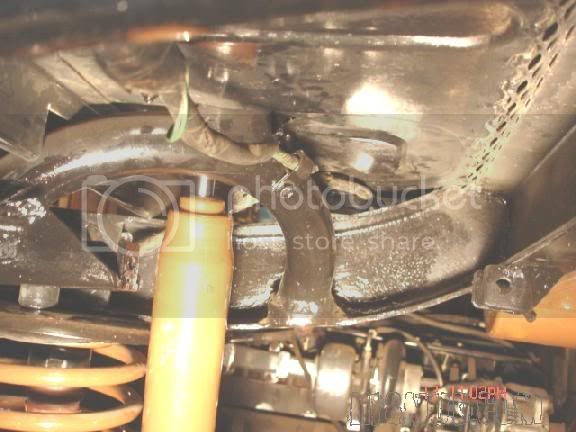
Example 3 - 729KB .bmp

Example 4 - 729KB .bmp

Example 5 - 139KB JPG
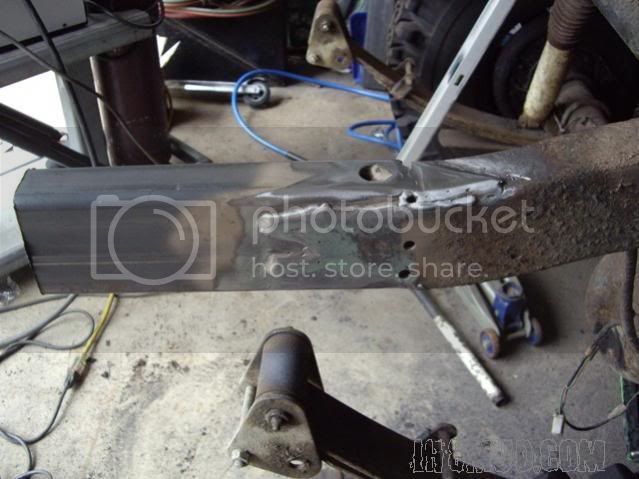
Example 6 - 89.2KB JPG
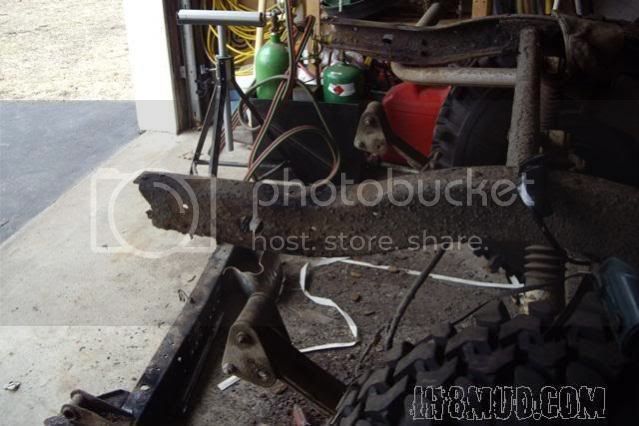
Example 7 - 1.32MB .bmp

Example 8 - 137KB JPG
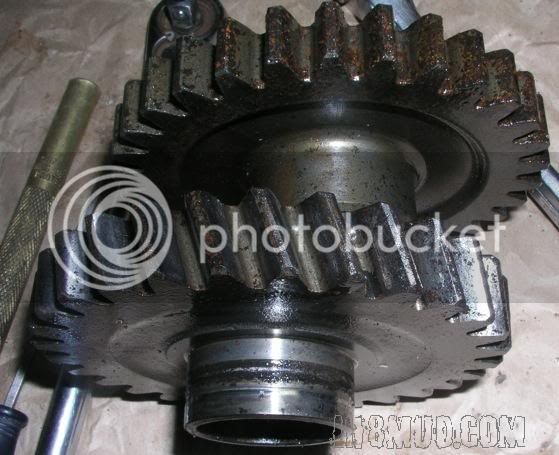
Not sure if this will help but I saved the pics from the threads Poser linked to as I see them to show you. I noticed something while saving the pics....
All of the pics that only partially load appear to be bitmap (.bmp) files while all of the pics that fully load appear to be JPEGs (.jpg or .jpeg). All appear to be pictures that were uploaded to IH8MUD. Odd, because I don't see .bmp files as a choice of file fomat for uploading
in MUD. Looking at the pics it almost appears that only the part of the picture that doesn't exceed the max file size for a .jpg pic is what gets loaded I converted the bitmap pics to jpegs 'cuz MUD won't let me upload bitmap pics ;p - To get them all in this thread I uploaded them to Photobucket (hope that is ok for this purpose) in the order from the threads as I see them - I put the original file size and format of the pic in the description for each.
Win XP Pro SP3, IE 8.0.6001.18702, Linksys WUSB54G router, Norton 360 (2009 v3.8.0.41) for firewall and filtering
As mentioned before, this started recently (within the last 1-2 months) and AFAIK nothing on my end has changed other than any number of Microsoft updates
Pics...
Example 1 - 1.37MB .bmp
Example 2 - 111KB JPG
Example 3 - 729KB .bmp
Example 4 - 729KB .bmp
Example 5 - 139KB JPG
Example 6 - 89.2KB JPG
Example 7 - 1.32MB .bmp
Example 8 - 137KB JPG