upload pictures from a mac

This site may earn a commission from merchant affiliate
links, including eBay, Amazon, Skimlinks, and others.

Upload just like on a PC. Click "Manage Attachments" under the Attach Files tab in the post editor.

Once you see the small attachments window, click on "browse." Just find the folder on your Mac and select the photo that you want to post. I try to keep all of my photos in iPhoto (is does a great job of organizing your photos).

There is a good tutorial for people migrating from PC to Mac on apple.com

Macs, like Land Cruisers, are very addictive. :D
 
are you using iPhoto?

If you have your photos in iPhoto, then drag the ones you want to upload to your desktop (it won't remove them from iPhoto - it'll duplicate the files on the desktop).

Then in the forum image upload dialogue, "browse" to your desktop, select the photos and upload them.
 
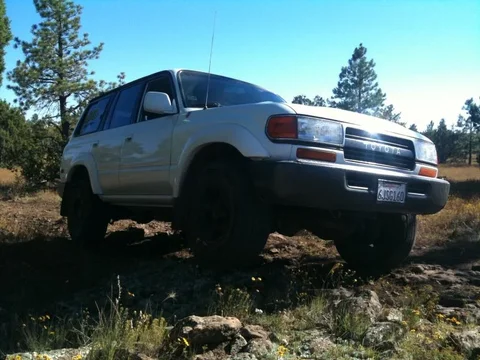
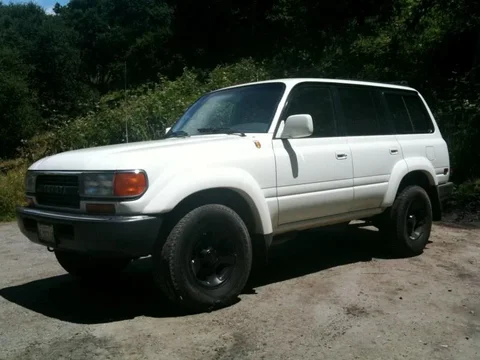
IMG_1187.webp

IMG_1125.webp

IMG_2038.webp


thank youuuuu
IMG_2038.webp
IMG_1125.webp
IMG_1187.webp
 
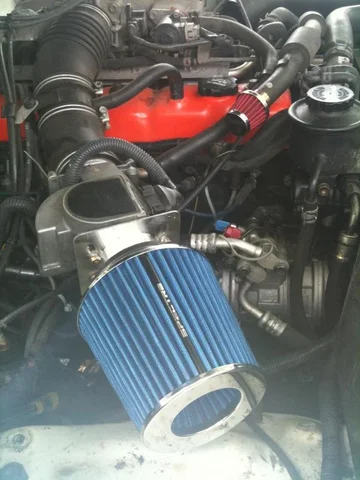
I'm not familiar with the 3fe, what is that little air filter for?
 
that is a line that runs to some emissions control stuff for the smog pump that draws air from the air cleaner box.
 
Back
Top Bottom