

Removing Switch Label Ink

This site may earn a commission from merchant affiliate
links, including eBay, Amazon, Skimlinks, and others.

Joined
Mar 12, 2012
Threads
6
Messages
41
Location
Mission Viejo
I have a push button fan switch that I bought to use for my condenser fan and I want to remove the print on the switch. I thought the p/n I ordered just had the back-lit fan symbol but it came with "REAR HEAT" on it too. Any one have a way to remove the ink without damaging the plastic? Acetone is too strong.
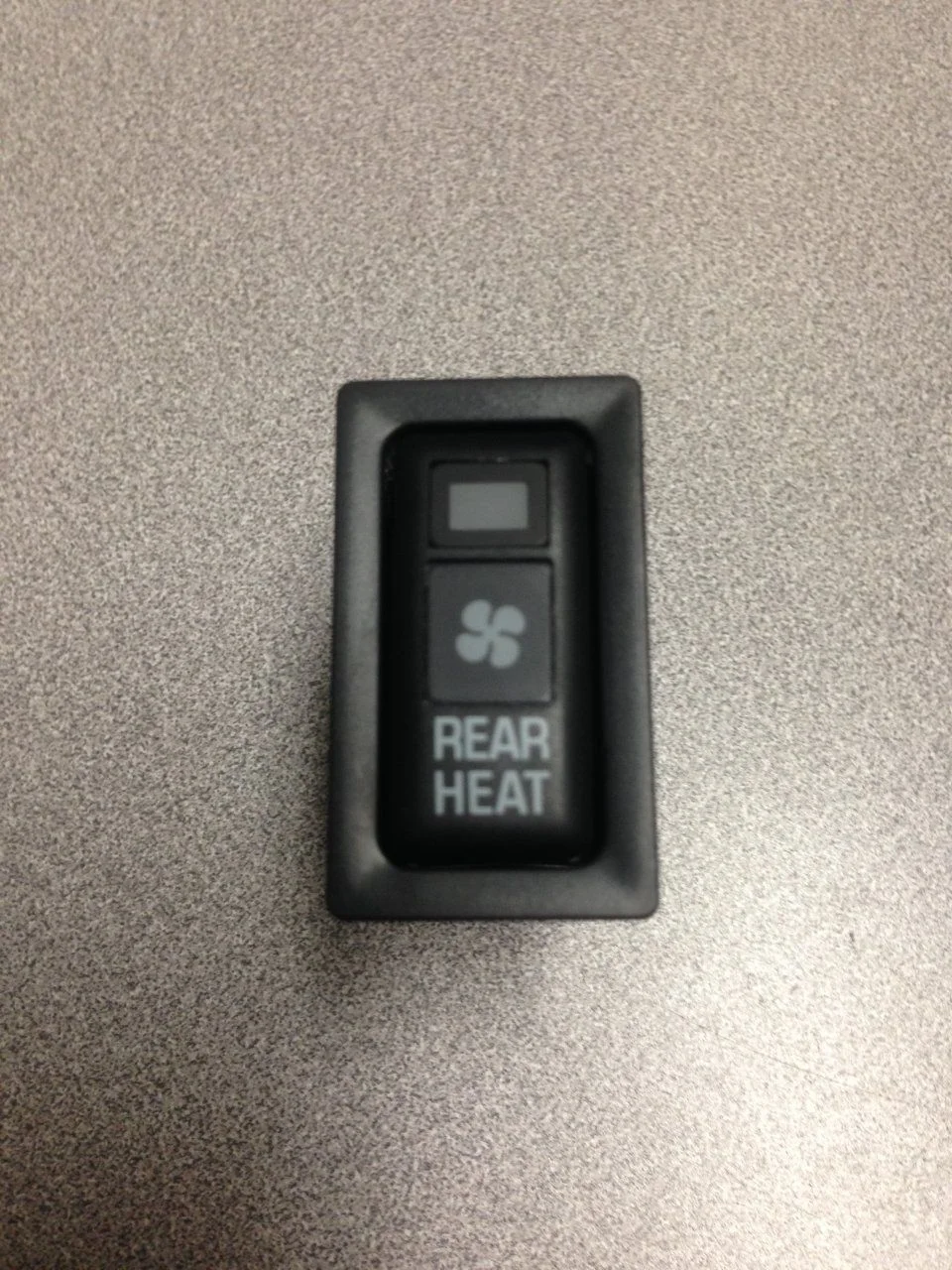
Heat Switch.webp
 
Successfully removed the ink with denatured alcohol on a cotton swab and some elbow grease. Didn't damage the plastic at all and now I can re-purpose it as an aux fan switch in either the horizontal or vertical orientation. I also found the correct connector for it and ordered some Sumitomo contact pins that should be here today. If the pins are a match I will not miss paying $7 per repair splice from Toyota.
 
Found out today that JigaLoo did a nice job of removing the hazard graphic from the hazard switch I installed in the rear cargo compartment for a rear reverse/work light. Left a nice square illuminated area on the switch.
 
I have a push button fan switch that I bought to use for my condenser fan and I want to remove the print on the switch. I thought the p/n I ordered just had the back-lit fan symbol but it came with "REAR HEAT" on it too. Any one have a way to remove the ink without damaging the plastic? Acetone is too strong.

View attachment 1154209

Any one have a part number for this switch? I forgot to pick one up on Ebay and now cant find them.

Thank you!
 
Back
Top Bottom